

Suppliers
Suppliers are organizations or individuals that supply goods and services to your business. In Ultro ERP supplier records store essential information used during procurement: contact persons, payment terms, preferred currencies, tax details, and banking information.
Key fields and features
- Supplier name and code
- Contacts and addresses (billing and shipping)
- Default currency and payment terms
- Preferred vendors and lead times
- Tax registration (GST/VAT/PAN) and KYC documents
- Supplier-specific price lists and contract terms
Typical workflows
- Viewing suppliers
- Navigate to Partners → Suppliers to see the supplier list.
- Use column filters to search by supplier name, country, or supplier rating.
- Click a supplier row to open the supplier form and view contact info, purchase history and outstanding bills.
- Creating a supplier
- Click Add New on the Suppliers page.
- Complete required fields: Supplier name, address, currency, payment terms and tax details.
- Attach KYC docs or vendor contracts in the supplier attachments section.
- Using suppliers in procurement
- Select suppliers when creating RFQs and Purchase Orders; Ultro ERP will associate currency and payment terms automatically.
- Track supplier performance using purchase history, lead time analytics, and on-time delivery metrics.
- Reconcile supplier invoices against purchase orders and receipts to ensure accurate accounting.
Images / Examples
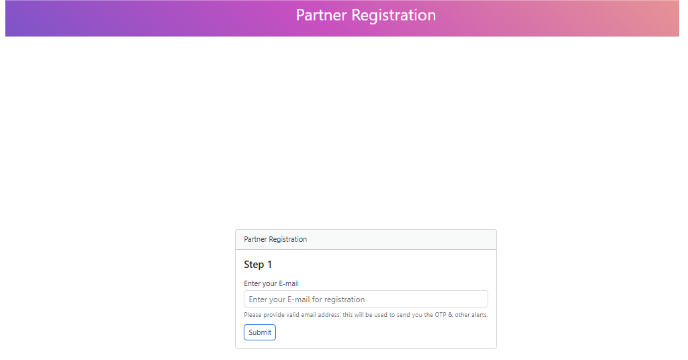
Use screenshots of the Suppliers list and Supplier form to guide users visually. Example image placeholder:
Tip: Maintain supplier contact details and preferred delivery locations for faster purchase order creation and smoother procurement workflows in Ultro ERP.